Before building, you need to turn uncertainty into a product direction
The interface is merely the visible part of a product decision. Before designing, it is essential to understand processes, users, the business and technology, so that each screen follows a clear direction rather than being based on a series of assumptions.
UX Strategy · Product Design · Definition · Roadmap · Delivery · Business and Tech Alignment
The invisible work that goes into design
The quality of a product depends not only on how it looks, but also on how well it understands the problem it is designed to solve.
In complex digital projects, the real value lies not in rushing to start designing screens, but in understanding what needs to be built, for whom, within what constraints, and with what expected impact. Before opening Figma, before defining components, and even before finalising a backlog, there is a critical phase that is often underestimated: turning an ambiguous need into an actionable product direction.
This phase doesn’t always have an obvious name. Sometimes it’s called ‘discovery’, at other times ‘conceptualisation’, ‘functional definition’, ‘phase zero’ or ‘product validation’. For me, whatever it’s called, its purpose is clear: to reduce uncertainty before committing to decisions on design, development or investment.
In straightforward contexts, it may be enough to understand a workflow, validate a hypothesis and design a straightforward solution. But in products where multiple users, processes, systems, teams, business objectives and technical constraints coexist, starting with the interface is often a clever way of building the wrong thing. A screen may look right, yet still reflect a misunderstood process. A workflow may look clean in a prototype and yet not fit with the actual operation. A feature may sound logical in a meeting and yet fail to solve the problem that exists in day-to-day use.
That is why, before designing, you need to understand.
The risk of designing based on an imagined solution
Product Discovery & Definition
One of the most common mistakes in complex projects is confusing what the client asks for with what the user needs. This is not because the client does not understand their business, but because they often describe the problem in terms of the solution they envisage, rather than the root cause of the issue.
“We need a dashboard.” “We want to automate this process.” “This screen needs redesigning.” “We want to incorporate artificial intelligence.” All these requests may be legitimate, but on their own they do not explain the problem. What decision should that dashboard facilitate? Which part of the process is actually time-consuming? What information is missing? Which user gets stuck? Which data is unreliable? Which task is repeated without adding value? What risks arise if we automate too much?
Another common pitfall is turning a workshop into an endless wish list. In sessions with stakeholders and real users, many ideas, needs and frustrations emerge. This is valuable, but not everything that comes up should become a feature. Strategic work consists precisely of organising, interpreting, prioritising and translating. It is not about documenting everything someone asks for, but about understanding the pattern behind it, which problem keeps recurring, what impact it has, and which solution is technically and operationally viable.
When this isn’t done properly, the product starts to accumulate features without any clear direction. Every user role asks for something different, every department defends its own priorities, and every new screen attempts to address a specific use case. The result is usually a tool that is more cumbersome, harder to maintain and, paradoxically, less useful to those who use it.
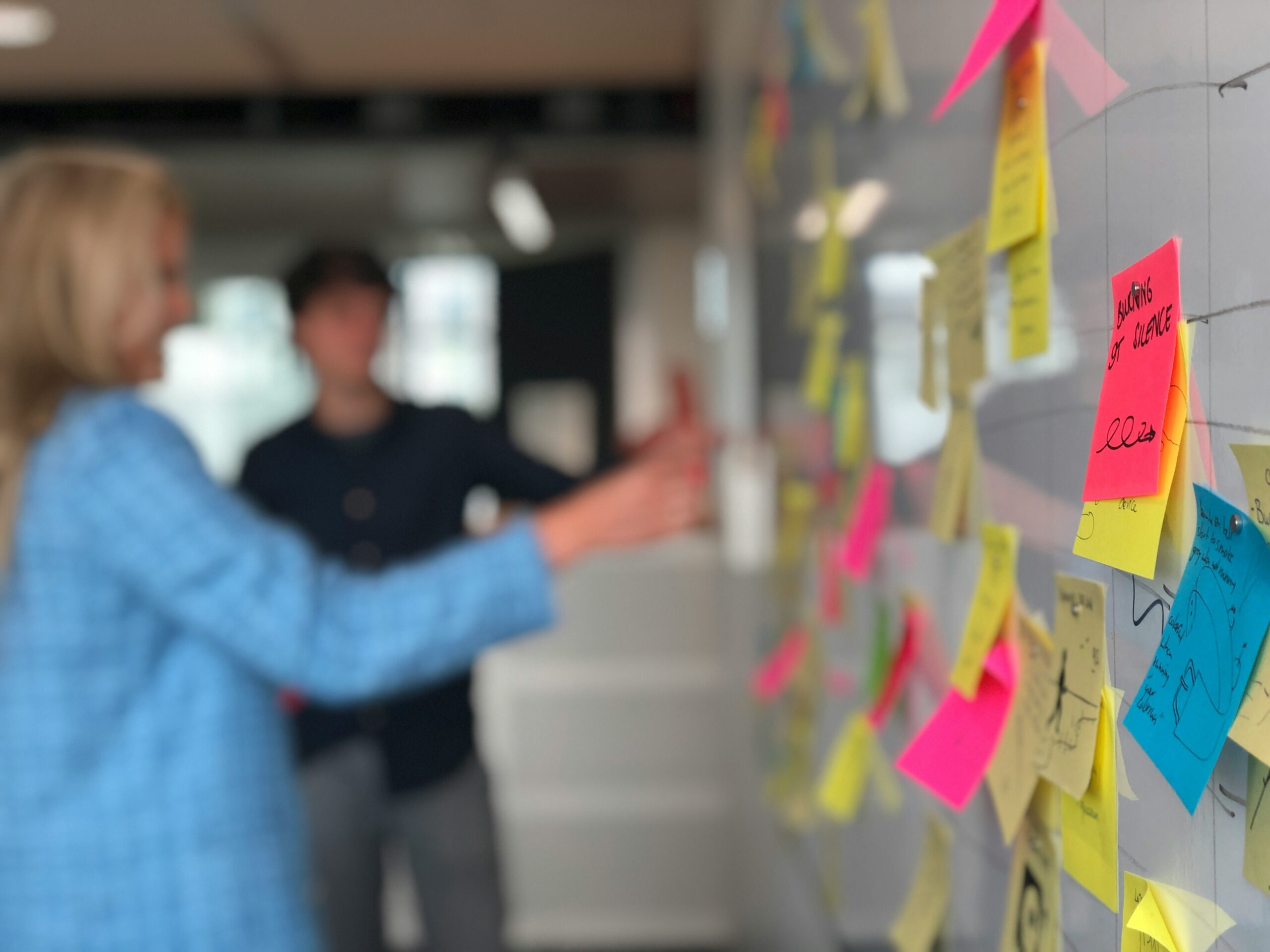
Designing is understanding the system
Before designing an interface, it is essential to understand the system that underpins it: people, processes, decisions, constraints, data, tools and business expectations. In complex projects, strategic UX does not begin in Figma, but rather in the ability to interpret that reality, identify where the user experience breaks down, and translate that complexity into clear, viable and actionable product decisions.
Read before you design
Design is not just about deciding how a screen looks, but about understanding how people work, what information they need, what decisions they make, and which tasks cause them friction. When the context is complex, a visually well-designed interface can fail if it does not reflect the actual process behind it.
Understanding the true complexity
On platforms with multiple profiles, entities, processes and levels of coordination, the value lies not in producing screens quickly, but in organising the entire ecosystem. It is essential to understand dependencies, workflows, data, reporting, interoperability and opportunities for improvement before turning all of this into a coherent product proposal.
Connecting business, users and technology
Complex problems rarely fall solely within the remit of UX, business or technology. They usually lie at the intersection of these areas. That is why it is essential to listen to users and stakeholders, identify friction points, consult with technical teams, assess feasibility, plan for delivery, and translate all that learning into actionable decisions.
Design with product management
Simply empathising with the user is not enough if this is not then translated into scope, priorities and feasibility. Defining requirements is also pointless if the actual user flows are not understood. A thorough preliminary phase transforms research, business needs and technical constraints into a clear product roadmap: what to build, why, for whom, and in what order.
From context to direction
I work to transform scattered information into a clear, prioritised and actionable product direction.
When I embark on a product definition or launch phase, I try not to think of it as a rigid sequence of steps, but rather as a process of progressively reducing uncertainty. First, the problem is identified; then it is organised; finally, it becomes a clear direction.
The first step is to understand the context. This involves discovery workshops, interviews, process reviews, sessions with stakeholders and, where appropriate, questionnaires to gather more structured information. My aim here is not simply to identify ‘requirements’, but to understand how the work actually gets done. What tasks are carried out, in what order, using what tools; what information is lost; which decisions depend on other people; what work is duplicated; and what causes frustration.
Next comes the synthesis. User personas, empathy maps and user journeys are not merely decorative deliverables: they are tools for making sense of a complex reality and opening it up for discussion. They help to highlight the fact that not all users have the same goals, digital skills, pressures or criteria for success. They also enable us to identify points of friction that do not always come to light when someone simply lists features.
From there, the work begins to take shape as a product. The user story map is particularly useful because it forces us to move from “we need something to manage this” to “as this user, I need to perform this action to achieve this goal”. That shift may seem small, but it is huge: it focuses the definition on the action, the user and the expected value. It also allows us to prioritise scope, identify dependencies and start distinguishing what forms part of an MVP and what can be developed in later phases.
Low-fidelity wireframes are used at this stage as a thinking tool, not as a final design. They serve to validate navigation, hierarchy, structure and functional logic before investing effort in a more polished interface. A wireframe allows us to discuss whether a task is positioned correctly, whether a workflow makes sense, whether information is missing, whether an action is clear, or whether the user needs more context to make a decision.
Validation with stakeholders and users is key to ensuring the solution does not remain merely an internal hypothesis. Validation does not mean asking “do you like it?”, but rather checking whether the proposal fits with operational reality, whether it solves the problem, whether it raises doubts, and whether it simplifies or adds friction. Above all, it means being willing to refine: adjusting the user story map, revising the prototype, reordering priorities and realigning expectations.
In projects involving artificial intelligence, this phase is even more important. Before deciding whether an assistant, a predictive model, a recommendation engine or automation is required, it is essential to understand the process, the available data, the level of risk, the professional judgement involved and the degree of human oversight required. AI should not be introduced as a one-size-fits-all solution, but rather as a capability tailored to a specific problem.
Ultimately, all that work needs to be turned into a roadmap. It is not enough simply to discover and design; you must prioritise, identify value, effort, dependencies, risks and stages of development. A good roadmap is not a list of features ranked by preference, but a proposed direction: what to build first, why, what it validates, what it unlocks, and how it prepares the product for growth.
Design with fewer faux elements
Before building a product, you need to establish a direction
A good groundwork phase doesn’t slow the project down; it prevents building the wrong thing. It helps ensure that the design isn’t just a visual representation of wishes, but a structured response to real problems. It helps ensure that the backlog isn’t an endless list, but a decision-making tool. It helps ensure that technology isn’t adopted simply because it’s trendy, but because it adds value. And it helps ensure that business, UX and development teams work from a shared understanding.
In complex projects, uncertainty never completely disappears. But it can be organised. It can be transformed into hypotheses, criteria, priorities, workflows, screens, architecture, roadmaps and actionable decisions. That, to me, is the real work that comes before design: turning ambiguity into direction. Because before you build, you need to know which problem is worth building a solution for.
Let’s talk about product, UX and management
If you’re working on a complex solution and need to get your processes, users, business requirements and technology in order before you start building, we can discuss how to turn that initial uncertainty into a clear, viable and actionable product direction.